Download, Install, Maintain: How AutoStack Actually Gets an Automation Running in Your Business
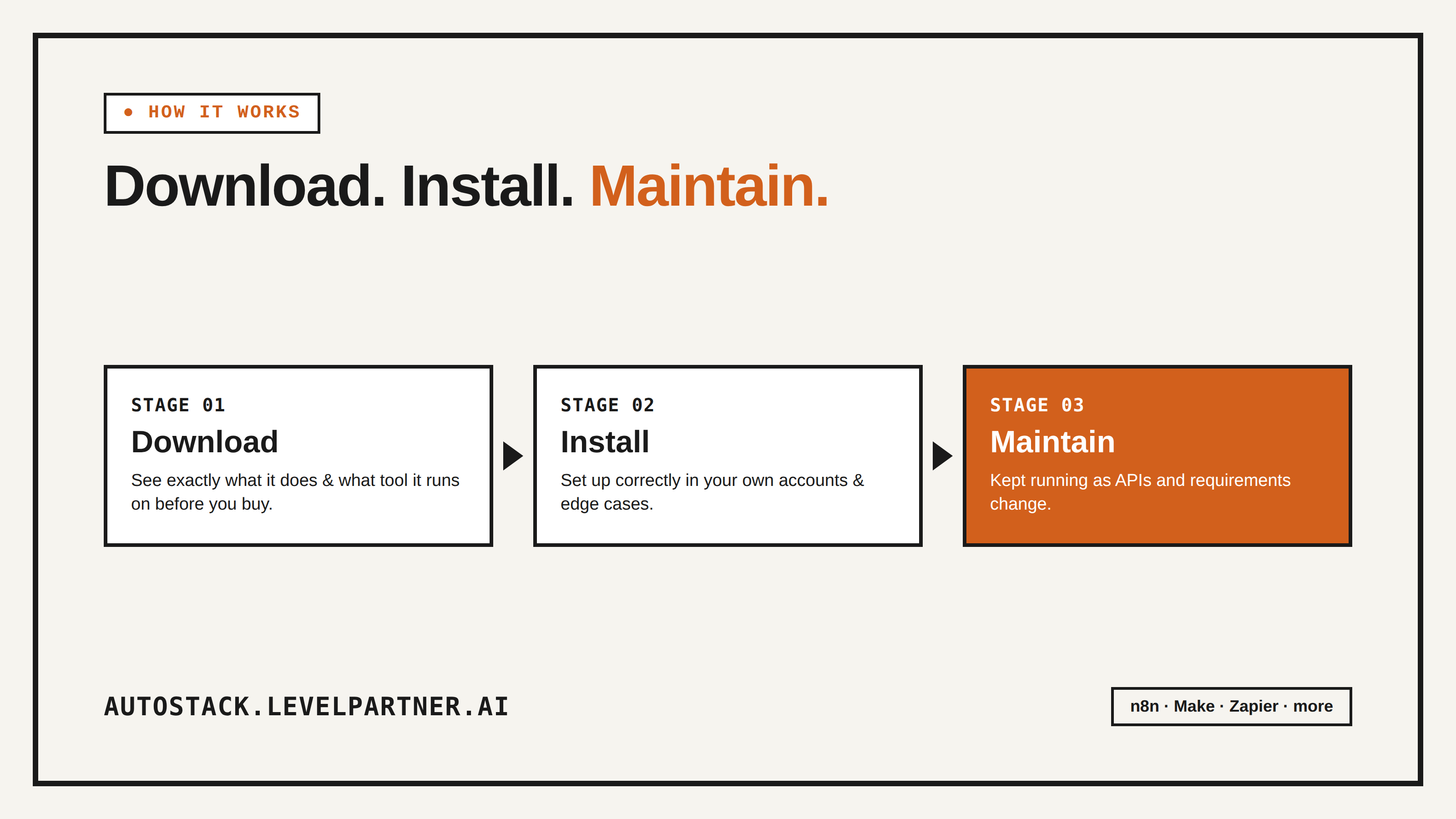
A walkthrough of AutoStack's three-tier model — what you get at each stage, what it costs you in time either way, and how to pick the right tier for your team.
Buying a workflow file was never the hard part
Anyone who's spent time in n8n or Make communities knows the real cost of automation was never the price tag on a template — it's everything that happens after you click download. You get a .json file, you import it, and then you discover it was built against an API version from eight months ago, references credentials named nothing like yours, and assumes a data structure your actual system doesn't produce.
That gap — between "I have the file" and "this is running correctly in my business" — is where most DIY automation projects quietly die. AutoStack's entire structure is built around closing that gap on purpose, instead of pretending it doesn't exist. That's why every listing is built around three distinct tiers: download, install, maintain. Here's exactly what each one means and how to think about which one you need.
Tier 1: Download
This is the base layer — the workflow itself, priced and described honestly up front. Every AutoStack listing tells you plainly what tool the automation runs on, what services it connects to, what triggers it, and what it outputs, before you spend a dollar. There's no inflated star rating or manufactured urgency sitting between you and that decision; you're evaluating the automation on what it actually does.
Download is the right tier if:
You or someone on your team is genuinely comfortable inside the automation tool it's built on, and can handle credential setup, testing, and small adjustments yourselves.
You want to study how an experienced builder structured the logic, even if you plan to adapt it heavily.
Budget is the primary constraint right now and time is more available than money.
It's the same logic as buying a well-documented open-source script instead of hiring someone to write one from scratch — you're paying for a correct starting point, not for someone else to run it for you.
Tier 2: Install
This is where AutoStack diverges hardest from a generic template marketplace. Install means the creator who built the automation sets it up inside your actual environment — your accounts, your API keys, your specific field names and edge cases — so what you get isn't a file, it's a working automation.
This matters more than it sounds like on paper. Two businesses using "the same" lead-follow-up automation almost never have identical setups: different CRMs, different lead sources, different definitions of what counts as "no response," different time zones for send windows. A generic template handles the 80% case. Installation is where the last 20% — the part that actually determines whether the automation works for you — gets handled by someone who's done it before.
Install is the right tier if:
You want the outcome, not a technical side project.
Your current setup has quirks (a CRM with custom fields, a non-standard data source, a specific compliance requirement) that a generic template won't account for.
The cost of getting it wrong — a missed lead, a broken customer-facing email — is higher than the cost of paying someone to get it right the first time.
Tier 3: Maintain
This is the tier most template marketplaces don't offer at all, and it's arguably the most important one. Automations aren't static. APIs change their auth flow. Rate limits tighten. A vendor renames a webhook field and every downstream step that depended on it silently breaks. "Set and forget" automation is a myth — it's really "set and it will eventually break without telling you," and the only question is whether anyone is watching when it does.
Maintain means the builder stays accountable for the automation after installation — monitoring it, fixing it when an upstream change breaks something, and adjusting it as your needs evolve. Instead of discovering a broken workflow when a customer complains they never got a follow-up, you have someone whose job is to catch that before it costs you anything.
Maintain is the right tier if:
The automation touches something customer-facing or revenue-critical, where silent failure is expensive.
You don't have the internal bandwidth to monitor automations as a recurring task (most small teams don't — it's the first thing that gets deprioritized).
You'd rather pay a predictable ongoing cost than absorb the unpredictable cost of things breaking at the worst possible time.
How to actually choose
A simple way to think about it: download is for people who want to learn or build further themselves. Install is for people who know exactly what outcome they want and don't want the setup to be their problem. Maintain is for anything where "it just stopped working" would actually hurt — lost leads, angry customers, missed reporting.
You're not locked into one tier forever, either. A lot of buyers start with install to get something running fast, and add maintain once the automation is doing something they'd genuinely notice if it broke. Others start at download because they're comfortable in the tool and only come back for install or maintain on the automations that turned out to be more finicky than expected.
The bigger idea behind the model
The three-tier structure exists because AutoStack isn't optimizing for "most downloads." It's optimizing for automations that are actually running, correctly, in real businesses, months after purchase — which is a very different goal from a template dump where files get downloaded once and half of them never get imported correctly at all. Selling a workflow and being done with it is easy. Standing behind whether it keeps working is what most of the market has skipped, and it's the part AutoStack is built around.
If you've been burned before by a "plug and play" automation that needed a full afternoon of debugging just to plug in, that's precisely the experience this model is designed to prevent.